Plan
Give the experiment a good start
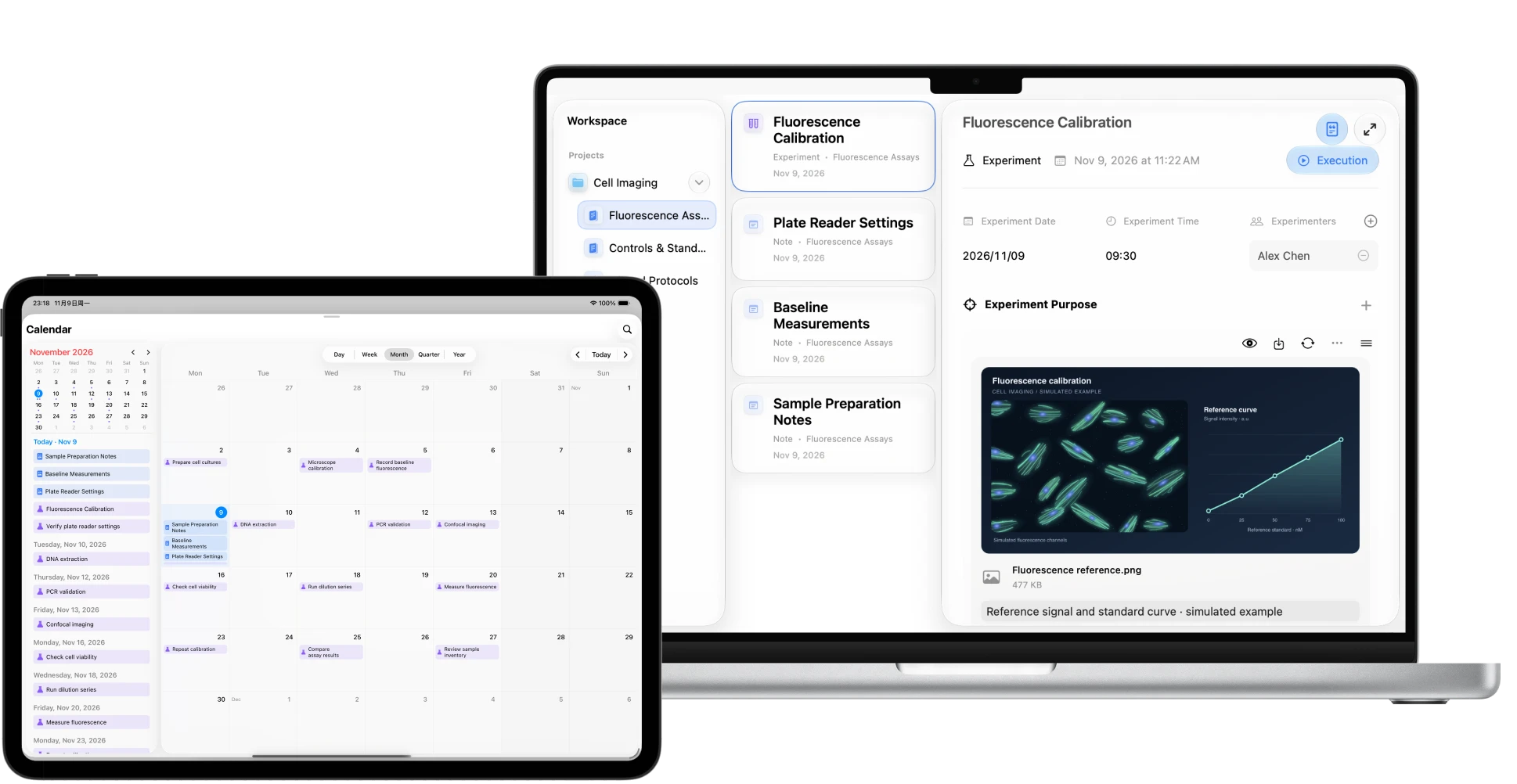
Start with a question, list the reagents, equipment and timing, then schedule your experiments on the calendar
LabNotion
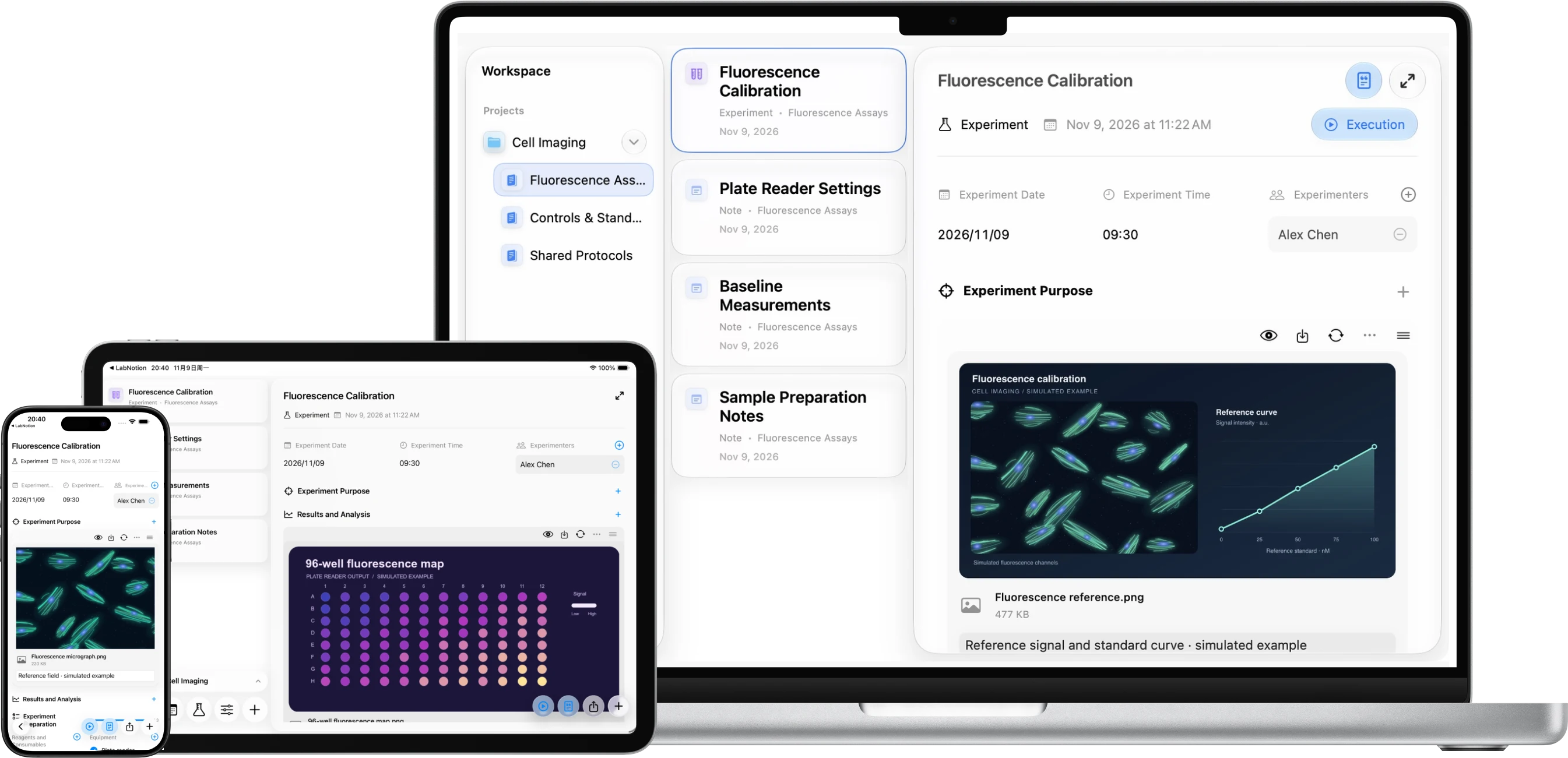
From the first line of a plan to the final figure, plan, manage, document and run your experiments in LabNotion
Plan
Start with a question, list the reagents, equipment and timing, then schedule your experiments on the calendar
Run
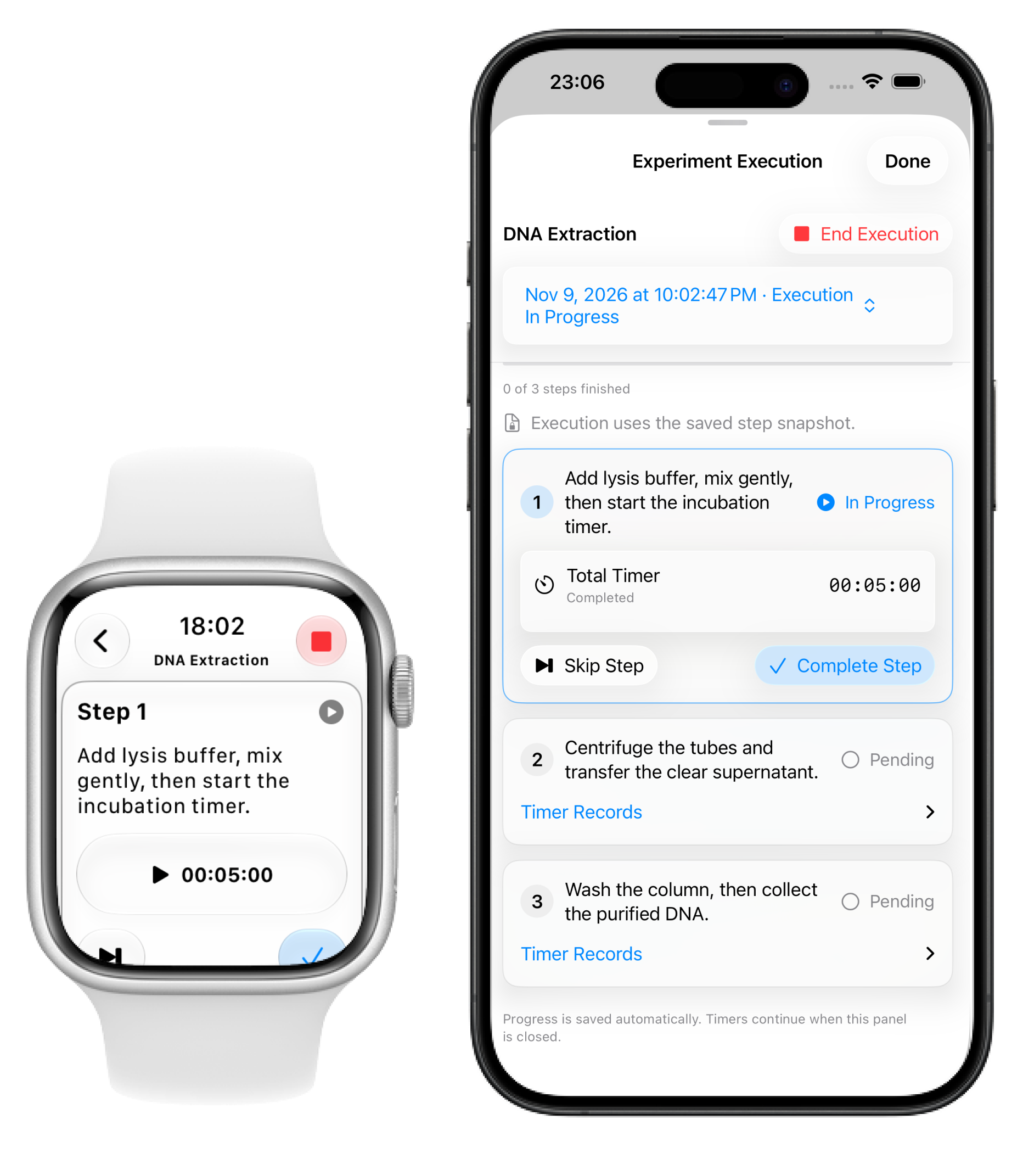
Execution mode brings the protocol to the bench, with a step timer to keep track of the minutes while you focus on the work
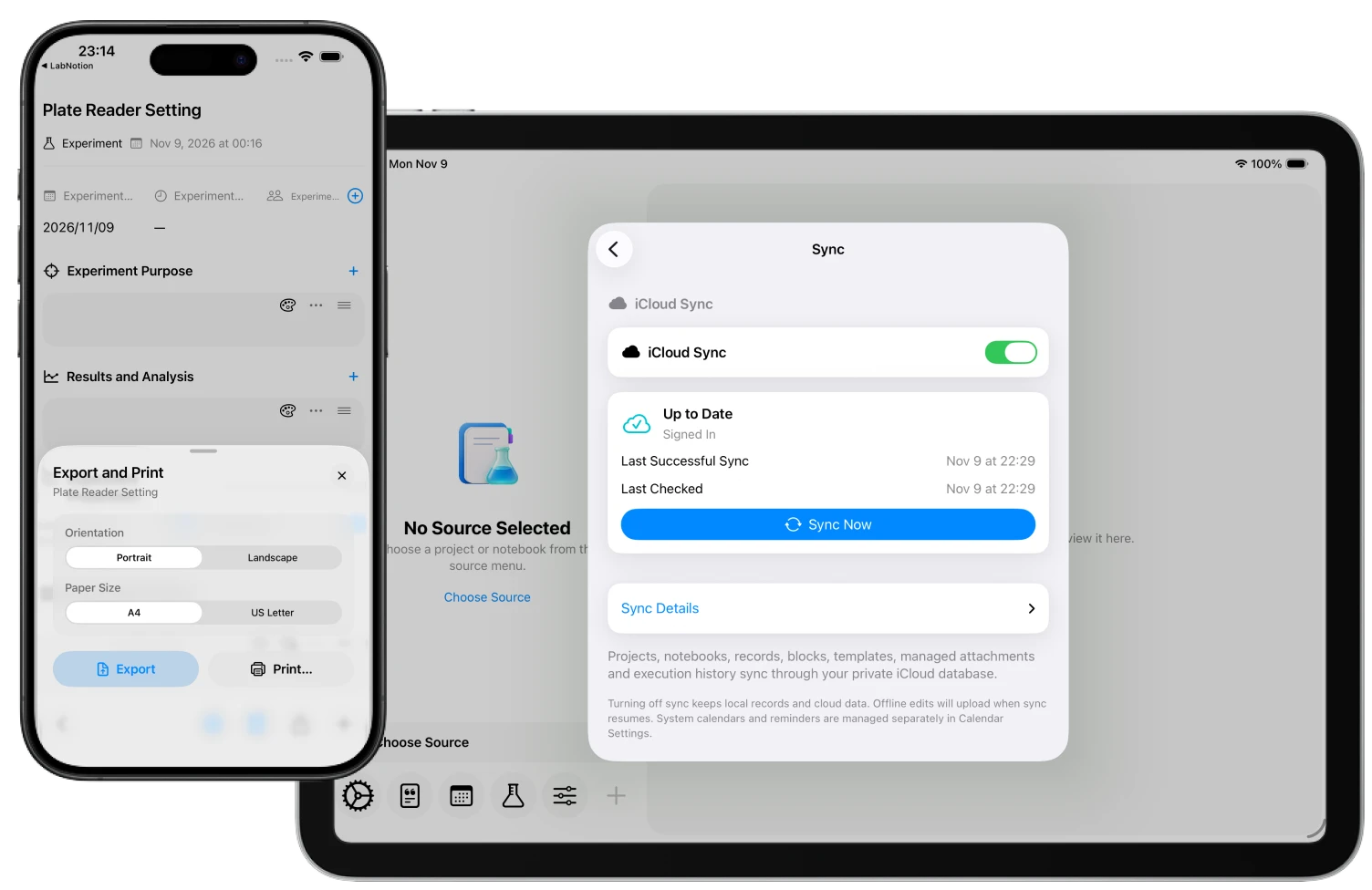
Sync and Archive
Keep the results with the original plan, open the same record on another device with iCloud sync, or send a colleague a PDF
Lab Management
Cages, datasets and samples each have a place in LabNotion
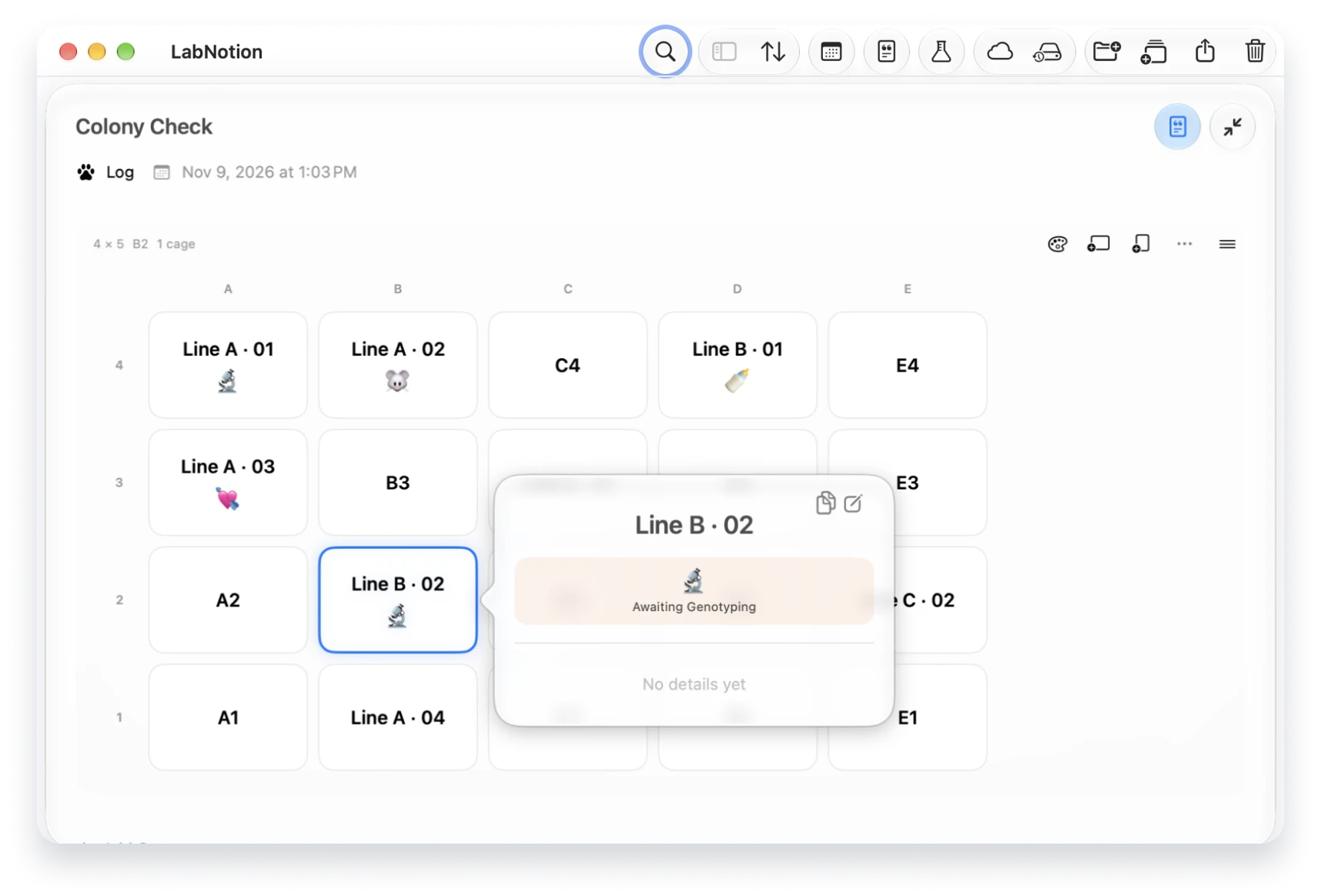
Animal Rooms
See the rack as it’s laid out in the room, flag what needs attention and carry the previous layout into your next log
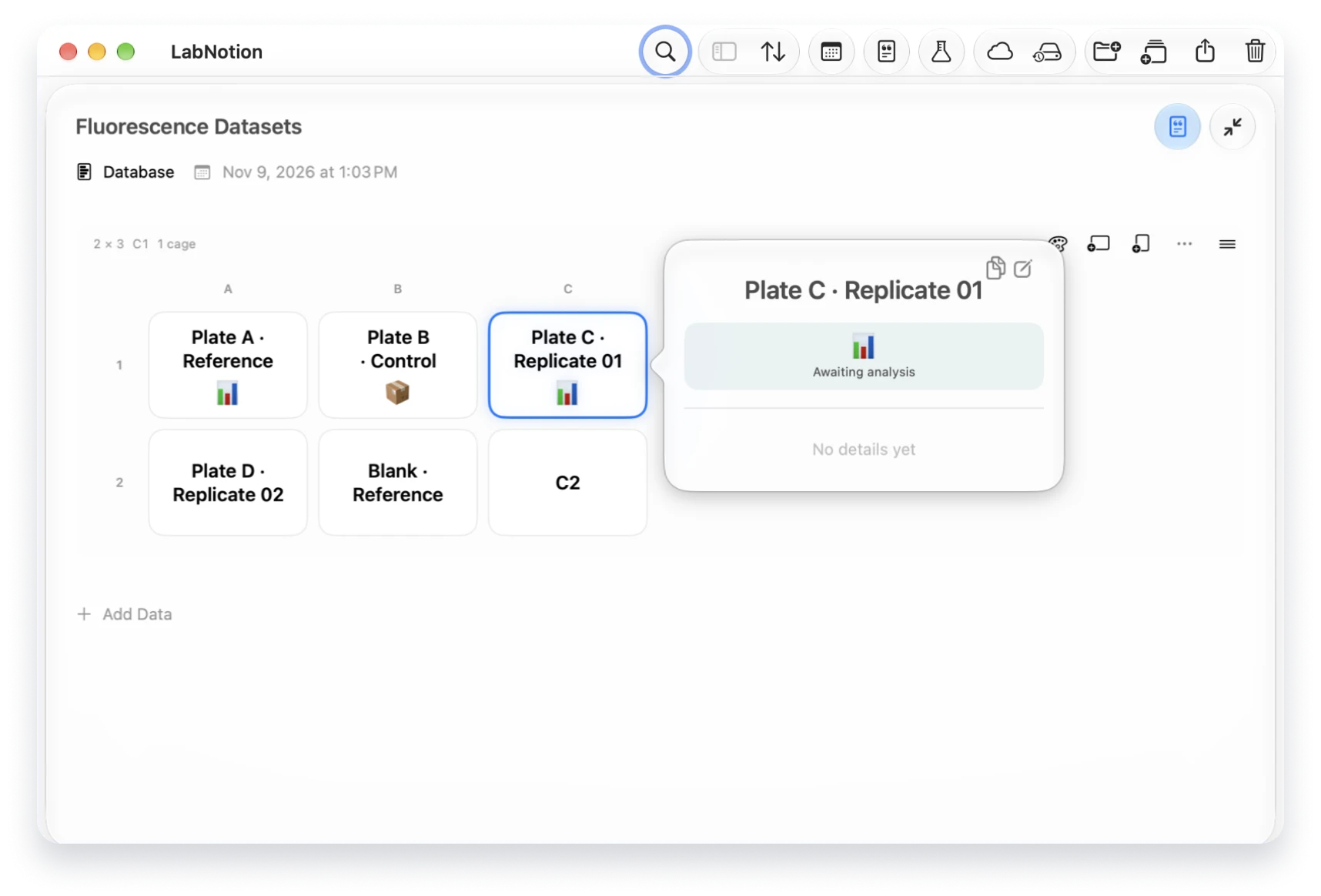
Data Management
Keep notes beside each dataset and see which ones are awaiting delivery or ready for analysis
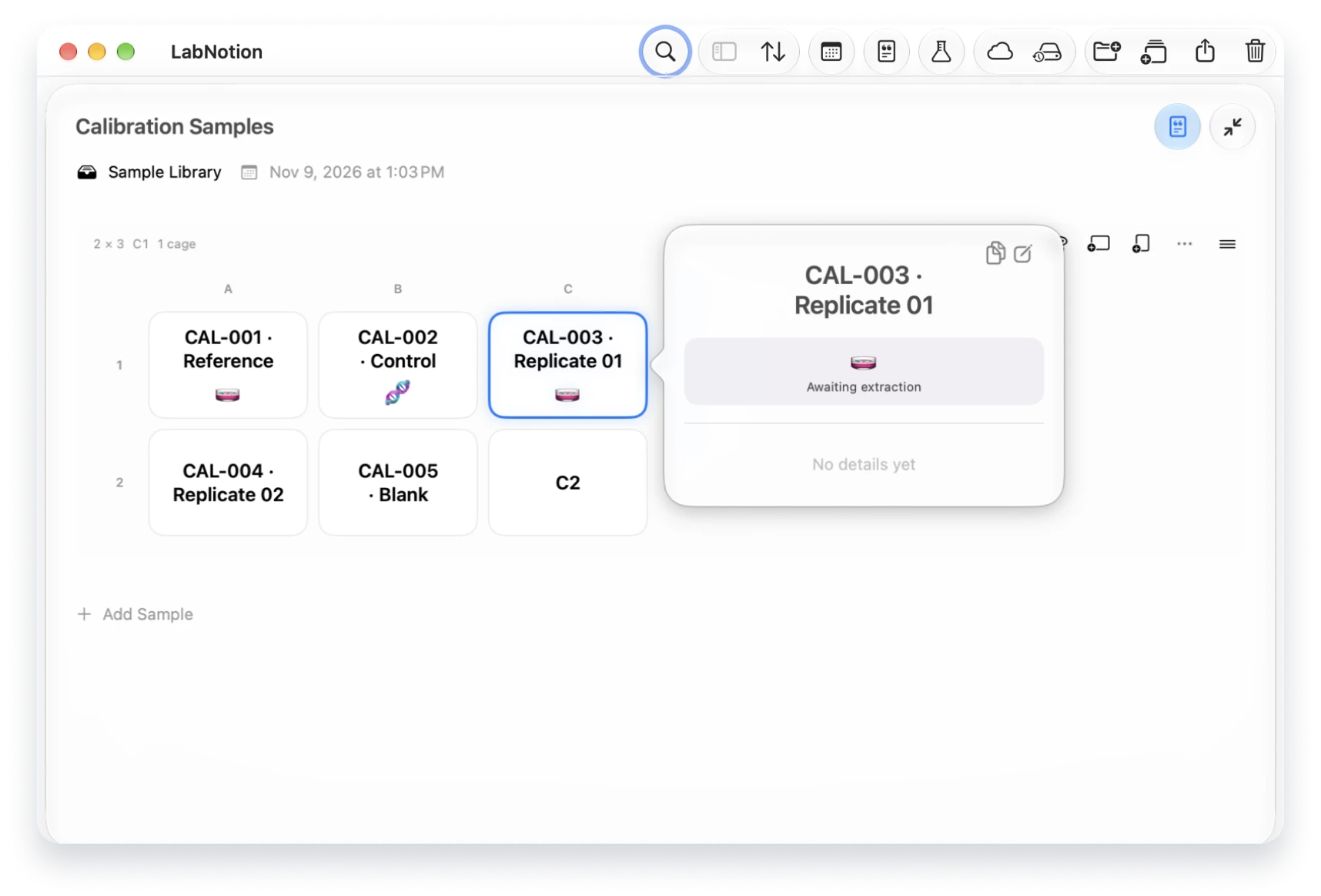
Sample Management
Give each sample a name and a place, then flag the ones waiting for extraction or sequencing
One lab notebook, wherever the work takes you

Plan experiments and review results at your desk
Keep your protocols and calendar in view
Check the next step and take notes at the bench
With iCloud sync enabled, your notes and results are ready when you switch devices